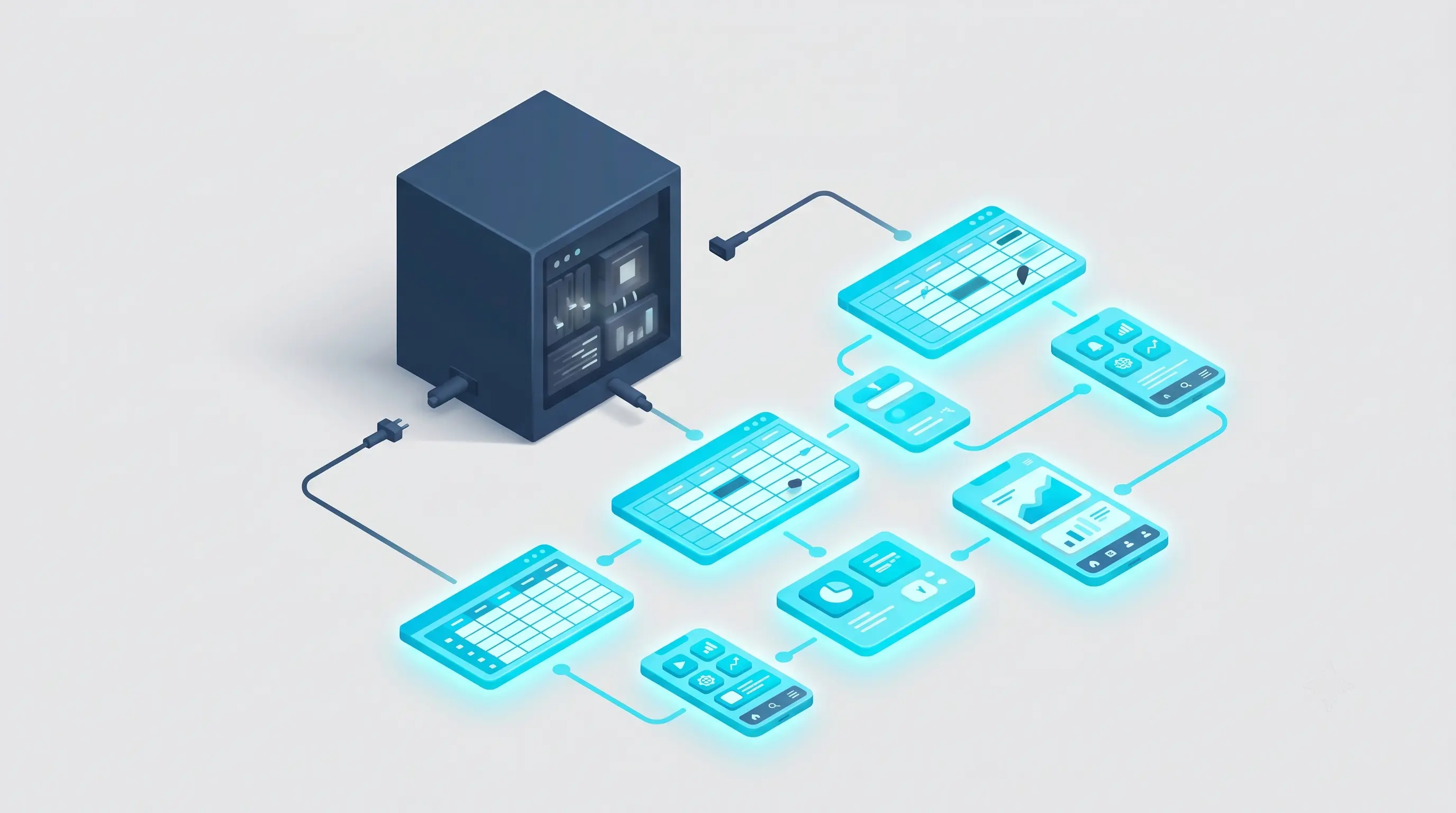
Most operations software is designed to impress the person who approves the budget, not the person who opens it at 6am. When the team that actually works in the system was never interviewed during design, they reject it. 68% of mid-market businesses regret their last software purchase. The fix starts before implementation: talk to the people doing the work.
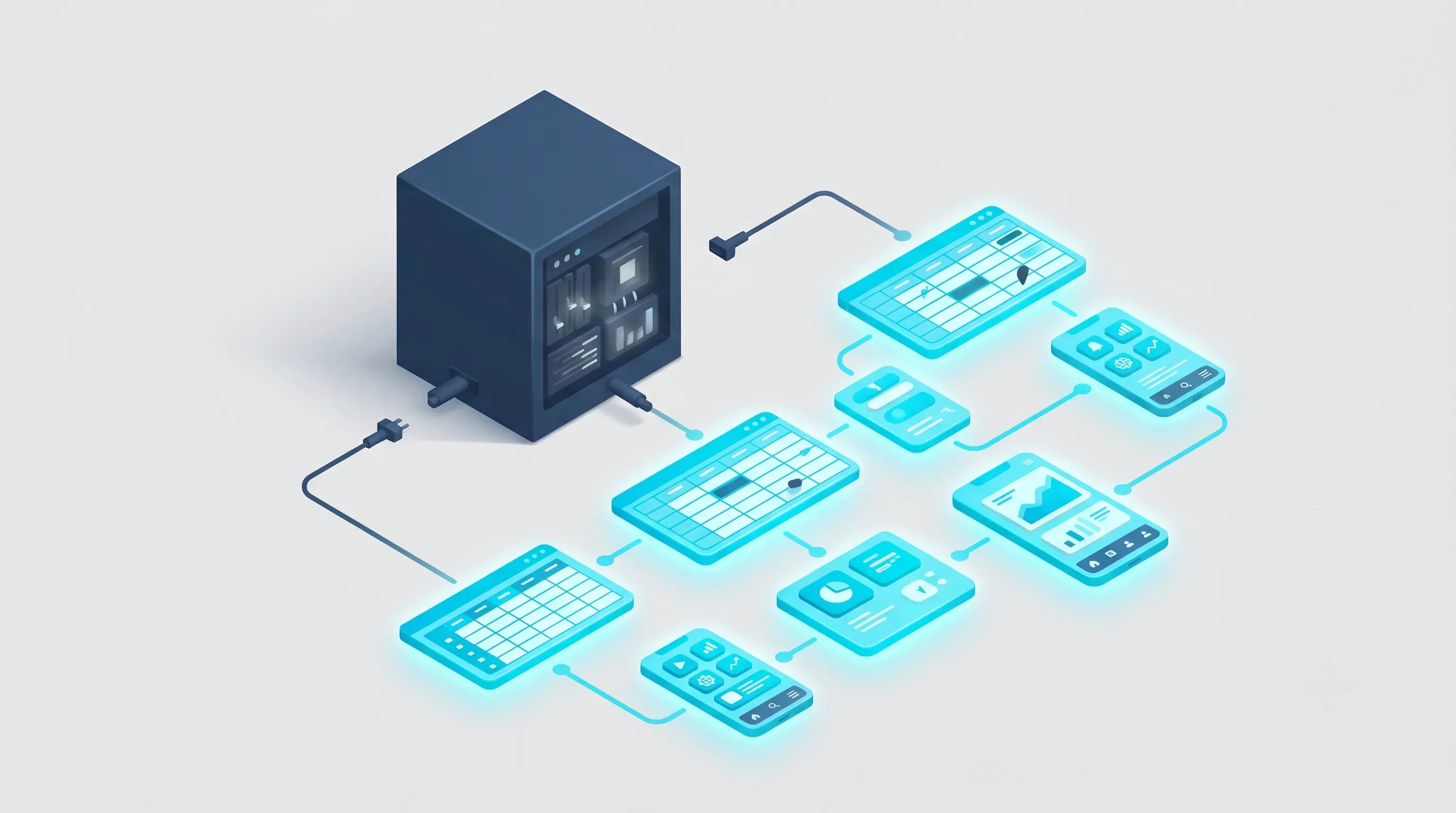
Why Do Most Operations Software Deployments Fail Within 90 Days?
Most operations software deployments fail not because the product is bad, but because the wrong people were consulted during the buying process. The decision-maker saw a clean demo, approved the budget, and handed the system to a team that had never touched it. Within 90 days, that team found a faster workaround.
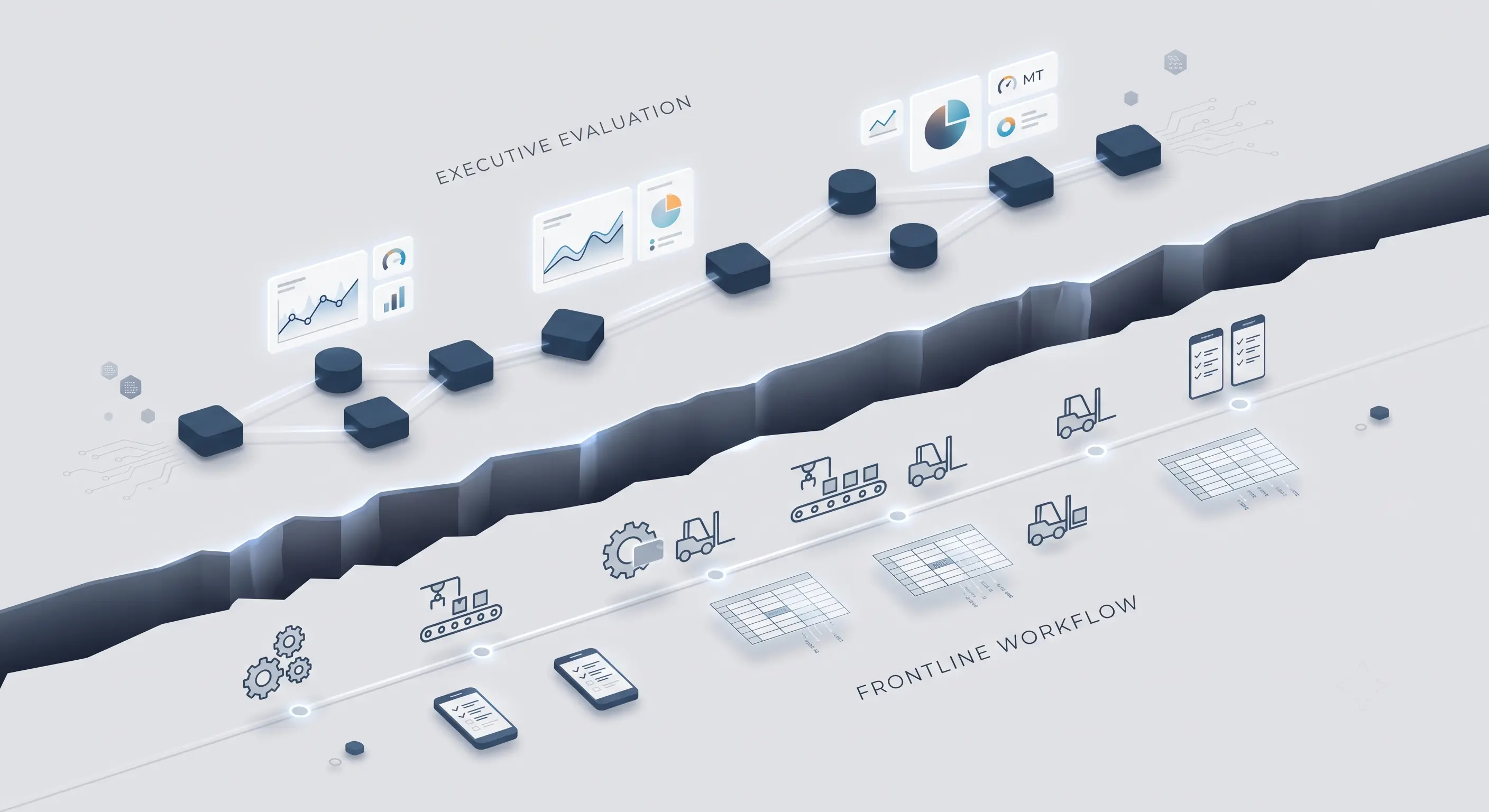
This is the buyer-user gap (the structural disconnect in B2B software where the person who purchases the system is different from the frontline worker who must operate it daily). It is the single most consistent reason operations software gets abandoned. The gap is not a technology problem. It is a process problem, and it starts at the demo stage.
Software vendors know their audience. They build dashboards that look sharp in a conference room, with clean charts, color-coded status indicators, and executive summaries. Those features matter to the person approving the check. They mean almost nothing to the warehouse team lead who needs to log 40 stock movements before noon, or the driver who needs to update a delivery status from a phone with one bar of signal.
When the system does not fit the actual work, the team does not complain loudly. They adapt quietly. They keep a private spreadsheet. They send updates on WhatsApp. They enter data into the new system at the end of the day, from memory, to satisfy reporting requirements. The system looks used in the dashboard. It is not being used in operations.
According to Capterra's 2024 Tech Trends Report, 68% of mid-market businesses regret a software purchase within 18 months. That is the highest regret rate of any business size segment, sitting 8 points above the 60% average across all business sizes (Capterra, 2024). The investment does not disappear. It turns into a sunk cost that sits on the books while the team runs on workarounds.
What Is the Real Cost of the Buyer-User Gap for an SMB?
The real cost of the buyer-user gap is not the software license fee. It is the compounded operational cost of running two parallel systems indefinitely. Every day the team maintains a shadow process alongside the official system, the business pays twice: once for the tool, and once for the manual work the tool was supposed to eliminate.
Shadow IT / Shadow Processes (the unofficial tools and workarounds, including personal spreadsheets and messaging apps, that employees use instead of the deployed system when it fails to fit their workflow) do not appear on any report. They live in individual laptops, WhatsApp groups, and shared Google Sheets with no version control and no audit trail. When a key team member leaves, that institutional knowledge leaves with them.
The operational damage is specific and measurable:
| Cost Category | What It Looks Like in Practice |
|---|---|
| Duplicate data entry | Staff enters data in both the official system and their own spreadsheet |
| Reporting errors | Decisions made on data that does not reflect what is actually happening on the floor |
| Onboarding drag | New hires learn the workaround, not the system |
| Audit exposure | No clean record of who updated what and when |
| Lost accountability | No one owns the process because the tool does not support it |
For a mid-market operation running 30 to 150 people, these costs do not show up as a single line item. They show up as slower cycle times, more re-work, more escalations, and managers who spend two hours every Monday morning reconciling spreadsheets instead of managing operations.
End-user adoption (the measurable rate at which frontline employees actually use a new system in daily work, as opposed to reverting to workarounds) is the metric that determines whether a software investment delivers value or sits as a sunk cost. Most vendors do not measure it post-deployment. Most buyers do not ask for it.
How Do Vendors Design Software That Nobody Actually Uses?
Vendors design software for the buying decision, not for the work. This is a rational commercial strategy from the vendor's perspective, and a predictable disaster from the buyer's perspective.
The demo is optimized for the person with budget authority. That person typically sits in a leadership role, cares about strategic visibility, and evaluates the product on how well it answers questions like: Can I see revenue by region? Can I track team performance? Does it integrate with our accounting software? These are legitimate questions. They are not the questions the warehouse supervisor, the field technician, or the dispatch coordinator is asking.
The people doing the operational work ask different questions. Can I complete this task in three taps or fewer? Does the screen work in direct sunlight? Will I get an alert when something actually requires my attention, or will I get 40 alerts and learn to ignore all of them? Can I use this on my phone in the truck without the app timing out?
Frontline Worker UX (the sub-discipline of UX design specifically focused on workers in physical or high-volume environments, where interface constraints like font size, tap targets, and mobile accessibility are operationally critical) is rarely prioritized in off-the-shelf software because it does not win deals. It does not show up well in a demo. It only shows up three months after go-live, when the team has quietly stopped using the system.
This pattern is not new. A report from Toptal on B2B UX design notes that in most enterprise software purchases, end users and their projected experiences are simply not involved in the buying decision (Toptal, 2025). The buying committee evaluates features. The using team evaluates friction. These are different evaluation criteria, and only one of them gets applied before the contract is signed.
What Does 3ALICA Do Differently Before a Single Line of Code Is Written?
3ALICA runs a Discovery Diagnostic before any system is configured or built. This structured pre-implementation process involves interviewing and observing the actual end users to map what tasks consume their time, what breaks their workflow, and what they have already tried to solve on their own.
The diagnostic is not a stakeholder alignment session. It is not a requirements workshop with managers. It is a structured series of conversations with the people who will open the system at 6am: the warehouse team lead, the operations coordinator, the delivery driver, the person who currently maintains the master spreadsheet because the official system does not do what they need.
The questions 3ALICA asks in a Discovery Diagnostic are specific:
- What is the first thing you do when you start your shift?
- Where do you currently go to find that information?
- What does the current process get wrong that you have already tried to fix yourself?
- What would have to be true about a new system for you to actually use it instead of your spreadsheet?
The answers to these questions determine configuration, not the vendor's default settings. Font size is not a cosmetic decision when the system will be used in a warehouse with poor lighting. The number of taps to complete a common task is not a UX preference when that task is completed 200 times a day. Alert routing is not an administrative setting when the difference between the alert reaching the right person and the wrong person is the difference between a problem caught in 10 minutes and a problem caught the next morning.
This is the foundation of the 3ALICA SMB approach: company-fit operational systems built around how the business actually works, not around how it looked in the demo.
The buyer-user gap does not close by buying better software. It closes by changing who is in the room before the software is configured.
What Happens to Operations When Shadow Processes Become Permanent?
When Shadow IT / Shadow Processes become the operational default, the business loses the ability to improve systematically. Every process improvement requires two updates: one in the official system and one in the shadow workaround. Over time, the shadow workaround becomes more trusted than the official system because it is the one people actually maintain.
This is the point at which a software rollout becomes a legacy modernization problem. The team is no longer operating around a new system that failed to land. They are operating around a system that is now embedded in their daily workflow as an obstacle. The cost of fixing it goes up every month it stays in place.
The trajectory is consistent across mid-market operations:
- System is deployed. Team is trained. Go-live happens.
- Friction points emerge in the first two weeks. Small workarounds begin.
- By week six, the workarounds are faster than the system for common tasks.
- By month three, the shadow process is the real process. The system is used for reporting only.
- By month six, no one on the team believes a replacement will be different.
That last point is the most operationally damaging outcome. End-user adoption does not just fail for the current system. It pre-fails for the next one. The team has learned that new systems do not fit their work, and they will be proven right unless the diagnostic process changes.
Frontline Worker UX failures compound here. A system that was never designed for the physical environment, the actual task volume, or the device the worker is using will always lose to a spreadsheet that the worker built themselves. The spreadsheet is not better technology. It is better fit.
How Do You Prevent Software Purchase Regret Before It Happens?
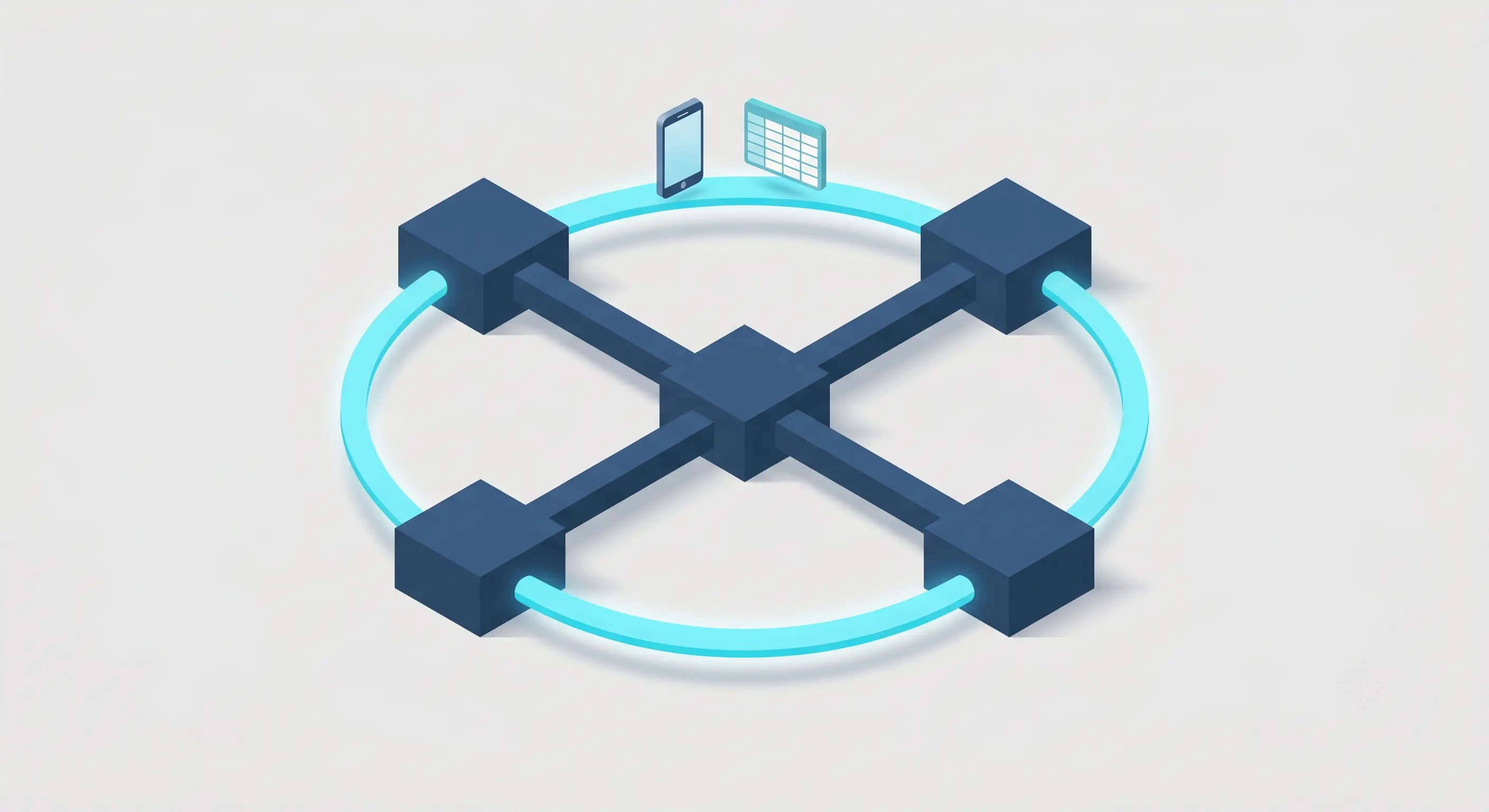
Software Purchase Regret (the documented post-purchase phenomenon in which 68% of mid-market buyers report their investment failed to deliver expected value within 18 months) is preventable. It is not prevented by choosing a better vendor. It is prevented by changing the evaluation criteria before the purchase is made.
The evaluation criteria that reduce Software Purchase Regret are not the ones that show up in a vendor demo. They are the ones that show up in daily operations:
| Evaluation Criterion | Wrong Question to Ask | Right Question to Ask |
|---|---|---|
| Interface design | Does the dashboard look clean? | Can the warehouse team complete their 10 most common tasks in under 3 taps each? |
| Alert configuration | Does the system send alerts? | Do alerts reach the person who can actually act on them, not the VP who will see the email in 3 hours? |
| Mobile access | Is there a mobile app? | Does the mobile app work on a 4-year-old Android phone with intermittent connectivity? |
| Reporting | Can it generate management reports? | Can the person doing the work see the information they need without opening a secondary spreadsheet? |
| Training | Does the vendor provide onboarding? | Did anyone ask the team what they would need to stop using their spreadsheet? |
The Discovery Diagnostic addresses each of these criteria before configuration begins. It replaces assumption with evidence. The output is not a requirements document. It is a map of actual work: what the team does, how long it takes, where it breaks, and what a system would need to do to be faster than the workaround.
This is not a long process. A diagnostic covering a team of 20 to 50 operational workers takes two to three weeks. The investment is measured in days. The alternative is a six-figure software deployment that the team abandons in 90 days.
What Do Frontline Workers Actually Need From Operations Software?
Frontline workers need operations software to be faster than their current workaround. That is the only adoption threshold that matters. If the system is slower, harder to navigate, or requires more steps than the spreadsheet the team already knows, the system loses.
Frontline Worker UX requirements are concrete, not abstract. Based on operational diagnostics across distribution, logistics, and field service environments, the requirements that determine adoption or rejection are:
- Text size: readable without glasses at arm's length in a warehouse or vehicle
- Task completion speed: common tasks completable in under 3 taps or clicks
- Offline capability: core functions accessible without a live internet connection
- Alert specificity: notifications sent to the person responsible, not the person with the highest title
- Mobile-first layout: designed for a phone screen, not scaled down from a desktop
- Error tolerance: the system does not lose data if the user navigates back or the screen times out
None of these requirements appear on a standard vendor evaluation checklist. All of them determine whether end-user adoption succeeds or produces another round of Software Purchase Regret.
The business case for getting these right is not a UX argument. It is an operations argument. A system used at 40% capacity by a team running partial workarounds delivers less operational value than a simpler system used at 95% capacity by a team that has abandoned their spreadsheets.
Frequently Asked Questions About Software Adoption Failure in SMB Operations
What does it actually mean to design software for the end user rather than the buyer?
Designing for the end user means building the system around the tasks, environment, and physical constraints of the person doing the daily work. It means interviewing warehouse staff, field technicians, and dispatch coordinators before configuration begins, not after. The buyer evaluates dashboards and integrations. The end user evaluates whether the system is faster than the workaround they already have. Most off-the-shelf software is optimized for the buying decision, not the using decision.
How does a diagnostic interview with frontline workers change the way a system gets configured?
A diagnostic interview surfaces the specific friction points in current workflows: which tasks take too long, which data is entered twice, which alerts go to the wrong person, which screens are unusable on a phone or in low light. These findings directly change configuration decisions. Font sizes, tap targets, alert routing, offline modes, and default screens are all determined by how the work actually happens, not by vendor defaults. The result is a system that fits the workflow instead of requiring the team to adapt their workflow to the system.
What is the difference between a vendor demo and how the software performs in real daily operations?
A vendor demo is optimized for a 45-minute presentation to a decision-maker in a conference room. It shows the cleanest data, the most visual dashboards, and the features most likely to justify the purchase. Real daily operations involve incomplete data, high task volume, mobile devices, varying connectivity, and workers who have no time to navigate a complex interface. The gap between demo performance and operational performance is where most software purchases fail. The demo answers the buyer's questions. Operations exposes the end user's reality.
What happens to a business when the operations team silently goes back to Excel after a new system is deployed?
The business pays for two parallel systems indefinitely. The official system is maintained for reporting and compliance. The real work runs on spreadsheets and messaging apps. There is no audit trail, no single source of truth, and no way to improve the process systematically because the process lives outside the system. Over time, the shadow process becomes more trusted than the official system, and the next software rollout starts with a team that already expects to fail.
How do you know if a software implementation was genuinely successful for the people using it every day?
Genuine implementation success has one indicator: the team stopped using their spreadsheet. Not reduced usage. Stopped. If any part of the operational workflow still runs outside the system three months after go-live, the implementation did not succeed for the people using it. Secondary indicators include task completion speed compared to the pre-implementation baseline, the volume of support requests in the first 90 days, and whether new hires are trained on the system or on the workaround.
Who in Your Team Should We Talk to First?
If your last software deployment is still running alongside a spreadsheet, the problem is not the software. 3ALICA runs a Discovery Diagnostic with the people doing the actual work before any system is configured or built. The result is an operational system that fits the workflow. If you want to understand where the current gap is, the starting point is a conversation with your team, not another demo.
Sources:
- Capterra, 2024 Tech Trends Report — https://www.capterra.com/resources/midsize-business-software-purchase-regret/
- Capterra, Tech Trends Software Purchase Regret — https://www.capterra.com/resources/tech-trends-software-purchase-regret/
- Toptal, B2B UX Design, November 2025 — https://www.toptal.com/designers/web/b2b-ux-solutions
- Parallel HQ, B2B UX Design Guide, 2026 — https://www.parallelhq.com/blog/b2b-ux-design